How to Clean a Keyboard Without Damaging It

Disclosure: This page contains affiliate links. If you buy through them, we may earn a commission at no extra cost to you.
Keyboards get dirty fast. Crumbs from desk lunches, dust and hair slip between the keys and can make them sticky or unresponsive. Cleaning a keyboard is easy, but doing it the wrong way can damage it. Here's how to do it safely.
Before You Start
- Turn it off. Shut down your laptop or unplug your desktop keyboard. For wireless keyboards, remove the batteries.
- Check your manual. Some keyboards have keys that pop off easily. Others, especially laptops, should not have keys removed.
- Never pour liquid on it. Liquids can short the electronics.
How to Clean a Keyboard Step by Step
1. Tip it and tap it
Turn the keyboard upside down over a trash can and gently tap the back. A lot of loose crumbs will fall out. For a laptop, hold it open at an angle and tap the bottom lightly.
2. Vacuum between the keys
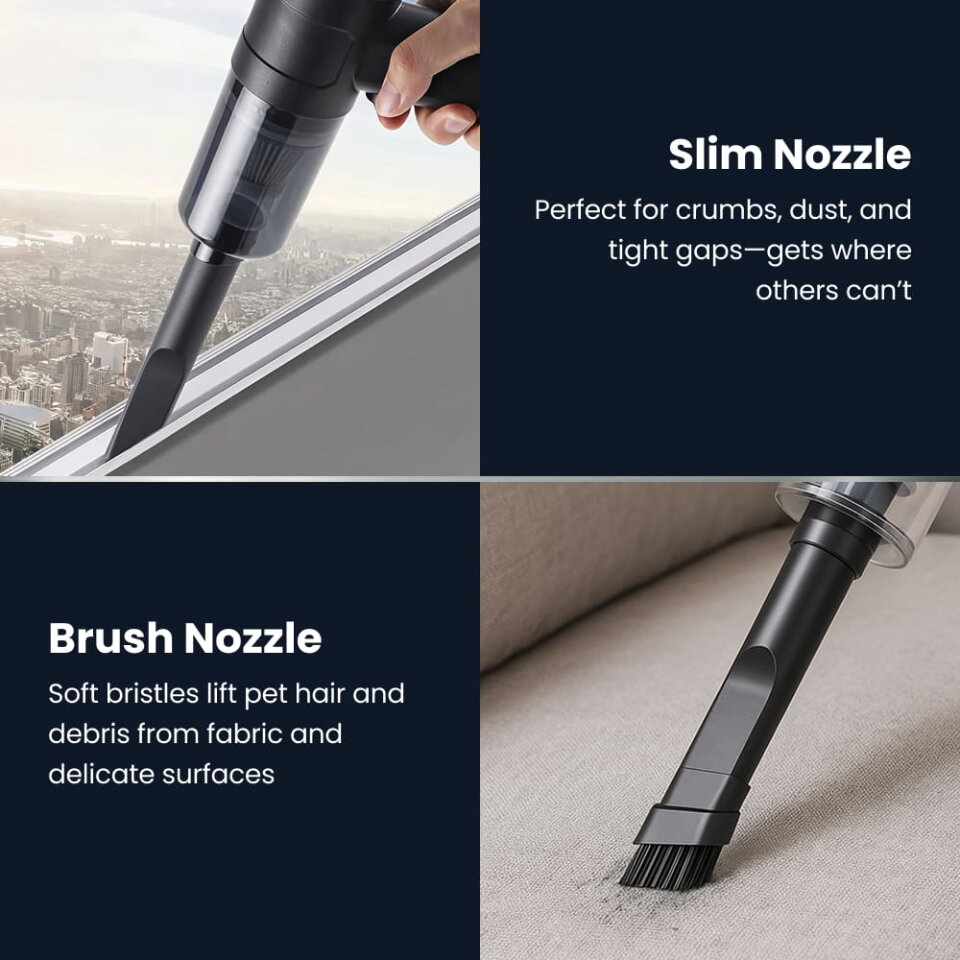
Use a small handheld vacuum with a soft brush nozzle. The bristles loosen dust between the keys while the suction pulls it away instead of pushing it deeper. Go row by row.
3. Clean the gaps with a soft brush
For anything left, use a clean, soft paintbrush or makeup brush to sweep around the keys, then vacuum again.
4. Wipe the keys
Lightly dampen a microfiber cloth with isopropyl alcohol (70% or higher) and wipe the tops of the keys. Never spray directly on the keyboard. Let it dry completely before turning it back on.
5. Don't forget the surroundings
Vacuum your desk, mouse pad and the area around your monitor. Dust from these spots ends up back in your keyboard.
Vacuum vs. Compressed Air
Compressed air is popular, but it blows dust around and can push debris deeper under the keys. A vacuum with a brush nozzle removes the dirt instead of moving it. Many people use both: air to loosen, vacuum to collect.
How Often Should You Clean Your Keyboard?
- Quick vacuum: once a week, especially if you eat at your desk.
- Wipe-down: once a week, or more during cold and flu season.
- Deep clean: every few months.
Keeping a small vacuum in your desk drawer makes the weekly clean take less than a minute.
FAQ
Can I use a vacuum on my laptop keyboard?
Yes, with a small handheld vacuum and a soft brush nozzle. Turn the laptop off first and move gently around the keys.
Is compressed air bad for keyboards?
It's not harmful, but it can push debris deeper. Hold the can upright and use short bursts, then vacuum the loosened dirt.
What should I never use on a keyboard?
Avoid spraying liquids directly, using bleach or harsh cleaners, and removing laptop keys unless the manufacturer says it's safe.